
Amazon PPC Management: How to Build, Optimize, and Control Your Amazon Advertising Campaigns
 November 17, 2026
 Yashwardhan Singh
 0 Comments
A seller has a good steel water bottle. The price is fair and the listing looks neat. But sales are slow, because shoppers searching for "water bottle" see dozens of other products first. So the seller turns on ads. A week later, the budget is gone, there are plenty of clicks, and very few orders.
This happens a lot. Ads are not hard to start, but they are easy to waste. That is why Amazon PPC Management matters. It means planning your campaigns, watching them, and fixing them as you learn what works. This guide covers how Amazon PPC works and how to keep control of it. JG Services, also called Jaipur Global Services (JGS), helps sellers with this work, and we will use it as an example along the way.
What Is Amazon PPC Management?
PPC means pay-per-click. You pay Amazon only when a shopper clicks your ad. Showing the ad costs nothing.
Your ad can appear in Amazon search results and on product pages, so your product gets seen for the right searches. Amazon PPC Management is the work around that: setting up campaigns, choosing keywords, setting bids and budgets, and checking results again and again. Without regular checks, money can drain into clicks that never turn into sales.
How Does Amazon Advertising Work?
The basic steps are simple:
- You create a campaign in Amazon Ads, using your Amazon Seller Central account.
- You pick the products to advertise.
- You choose keywords or product targets.
- You set a bid and a daily budget.
- Amazon runs your ad when it fits a shopper's search and your bid is competitive.
- You pay for each click.
- You review the results and make changes.
The last step is the one many sellers skip. Launching is the easy part. The real work starts after.
Types of Amazon PPC Campaigns
There are three main ad types. Which ones you can use depends on your account, your products, and what Amazon offers in your marketplace.
Sponsored Products
These ads promote single products in search results and on product pages. For most sellers, this is the first ad type to try.
Sponsored Brands
These ads promote your brand and several products together. They usually need a registered brand. They help shoppers see more of what you sell.
Sponsored Display
These ads can reach shoppers through audience and product targeting. For example, they can show to people who viewed your product but did not buy.
How to Build an Amazon PPC Campaign
Here is a simple order to follow:
- Pick the right product. Start with something that already sells, has good reviews, and has enough stock.
- Check the listing first. If your title, images, or price are weak, ads only send people to a page that does not convert. Fix the page, then spend. JGS offers Amazon Product Listing Services for this.
- Know your buyer. Who buys this product, and what words do they type?
- Research keywords. Make a list of searches that fit your product.
- Choose automatic or manual targeting. More on this below.
- Set a daily budget. Pick an amount you are happy to test with.
- Set starting bids. Begin at a reasonable level, not the highest.
- Launch. Keep the first setup simple.
- Review. Look at the data after a few days, not just a few hours.
Advertising a weak listing is one of the quickest ways to waste money. Ads bring traffic. The page has to do the selling.
Automatic vs Manual Amazon PPC Campaigns
Automatic campaigns let Amazon pick the keywords and products to match, based on your listing. They are good for finding what shoppers actually search. You give up some control, but you learn quickly.
Manual campaigns let you choose the keywords yourself. You also choose the match type:
- Broad match: shows for searches that include your keyword in many forms. It reaches the most people, but also brings loose matches.
- Phrase match: shows when the search includes your phrase in the same order.
- Exact match: shows only for that exact search or very close versions. It gives the most control.
Product targeting lets you aim ads at specific products or categories, such as competitor listings.
A common approach is to start with an automatic campaign, find the searches that bring orders, and then move them into manual campaigns where you control the bids.
How to Find the Right Amazon PPC Keywords
Good keywords matter more than many keywords. Ten relevant ones beat a hundred loose ones.
- Think like a buyer. What would you type to find this product?
- Use long-tail keywords. "Steel water bottle for office" is more specific than "bottle," and it often shows more buying intent.
- Read search-term reports. They show the real searches that triggered your ad. This is one of the most useful reports in Amazon Ads.
- Check competitor products. Product targeting can place your ad next to similar items.
- Add negative keywords. These stop your ad from showing for searches you do not want, like "toy water bottle" if you sell real ones. Each wasted click is money gone.
Keyword research is not one-time work. Search habits change, so the list needs updating.
How to Control Your Amazon Advertising Budget
A bigger budget does not mean better results. A small, well-run campaign can do more than a large careless one.
Some practical ways to stay in control:
- Start small. Test with a modest daily budget and raise it when something works.
- Watch cost per click (CPC). If CPC is high and orders are low, the bid may be too high or the keyword may not fit.
- Move money to winners. Give more budget to campaigns and keywords that bring orders.
- Cut what does not work. Lower bids, or pause keywords with many clicks and no sales. Give them enough time first, though.
- Check spend every week. Do not wait for the month-end surprise.
How to Understand ACOS and ROAS
These two numbers show how your ads are doing.
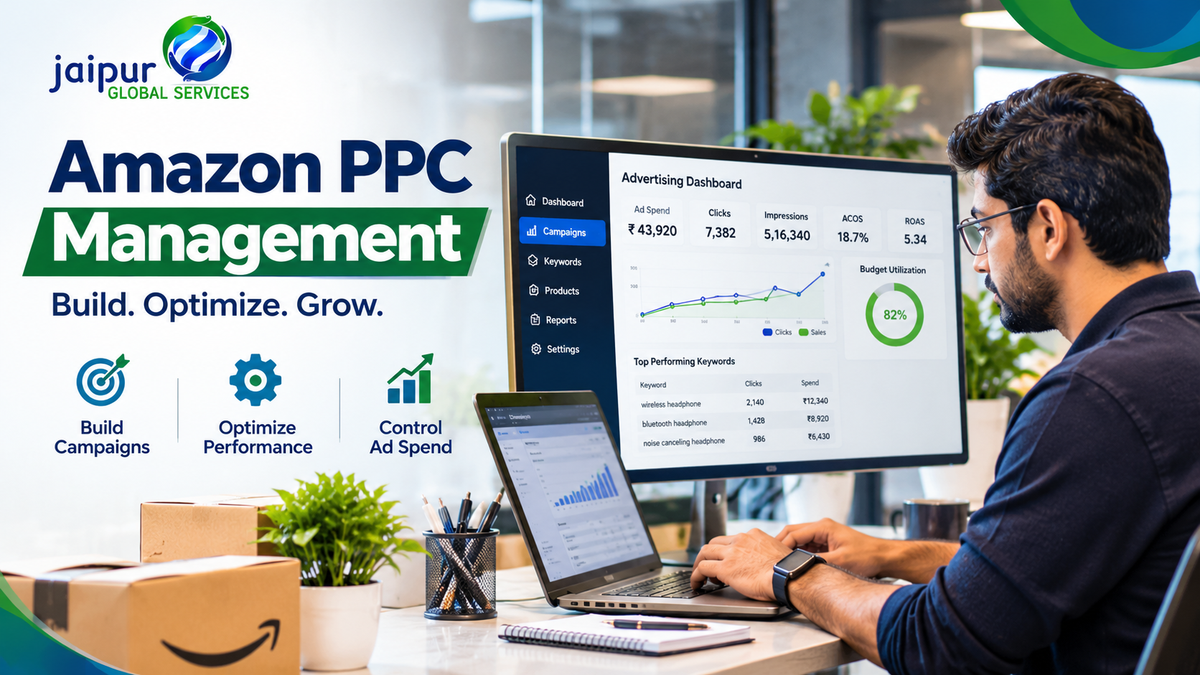
ACOS (Advertising Cost of Sales) is your ad spend divided by your ad sales, times 100.
Example: you spend ₹1,000 on ads and they bring ₹5,000 in sales. ACOS = (1,000 ÷ 5,000) × 100 = 20%.
ROAS (Return on Ad Spend) is your ad sales divided by your ad spend.
Example: you spend ₹2,000 and get ₹8,000 in sales. ROAS = 8,000 ÷ 2,000 = 4. That means ₹4 of sales for every ₹1 spent.
A lower ACOS and a higher ROAS usually look better. But do not judge success on these alone. Look at your product cost, Amazon fees, shipping, and profit margin. An ACOS of 20% could be fine for a product with a high margin and a loss for one with a thin margin. Some sellers also accept a higher ACOS for a time when they are launching a new product. Your goal decides what a good number is.
Common Amazon PPC Mistakes Sellers Should Avoid
- Choosing keywords that do not fit the product
- Starting ads before checking the listing
- Setting bids without a plan
- Ignoring negative keywords
- Spending without looking at results
- Using the same setup for every product
- Skipping search-term reports
- Stopping a campaign too early, before it has enough data
- Looking only at ACOS
- Not checking campaigns regularly
Most of these come down to one thing: setting up the ads and then leaving them alone.
Why Professional Amazon Advertising Management Matters
Some sellers handle their own ads. Others get help, usually because ads take real time and steady attention. Professional Amazon advertising management can cover:
- Campaign setup
- Keyword research
- Bid management
- Budget control
- Search-term analysis
- Negative keyword work
- Regular reports
- Ongoing campaign improvements
Amazon PPC services like this can save you hours and help you manage spend more carefully. They are most useful when you have many products, little time, or ads that are not making sense. No service can promise a fixed result, because ad performance depends on demand, competition, price, listing quality, budget, and bids.
How JG Services Helps Sellers with Amazon PPC Management
JGS offers ecommerce advertising services for Amazon sellers. Its work covers campaign setup, keyword and search-term research, negative keywords, bid and budget control, and tracking of ACOS, ROAS, CTR, and CPC, with regular reports.
Ads work better when the rest of the account is in order. That is why JGS looks at advertising alongside listings, catalogue, and account health. These all fit into its wider Amazon Seller Services and its Amazon account management. For catalogue and product data work, there is also its catalogue management service, and A+ content design for better product pages. You can read more about the company on its About Us page.
How Sambhav Supports Advertising Decisions
JGS also built Sambhav, its own seller platform, at seller.jgservices.in. Its AI advertising tools include keyword insights, bid and budget tools, and performance analytics for Amazon ads, with CTR, conversion, and ROI tracking. The website also lists Amazon ad dashboards and campaign management for Flipkart.
Sambhav also has growth analytics and market intelligence for sales, traffic, and keyword data. You can see the Amazon tools on the Sambhav Amazon platform page.
The idea is to put experience and data together, so decisions come from numbers, not guesses. Tools do not guarantee results, and Sambhav does not promise better ROAS. They help you see what is happening, so you can decide better.
Conclusion
Amazon PPC Management comes down to three habits: plan before you spend, keep control of bids and budgets, and review the numbers often. Start with a strong listing, choose relevant keywords, use negative keywords, and read ACOS and ROAS in light of your real profit.
If you want help with the day-to-day work, JG Services is one option for Amazon advertising and wider ecommerce support. You can explore jgservices.in or look at Sambhav at seller.jgservices.in, and reach the team through the contact page.